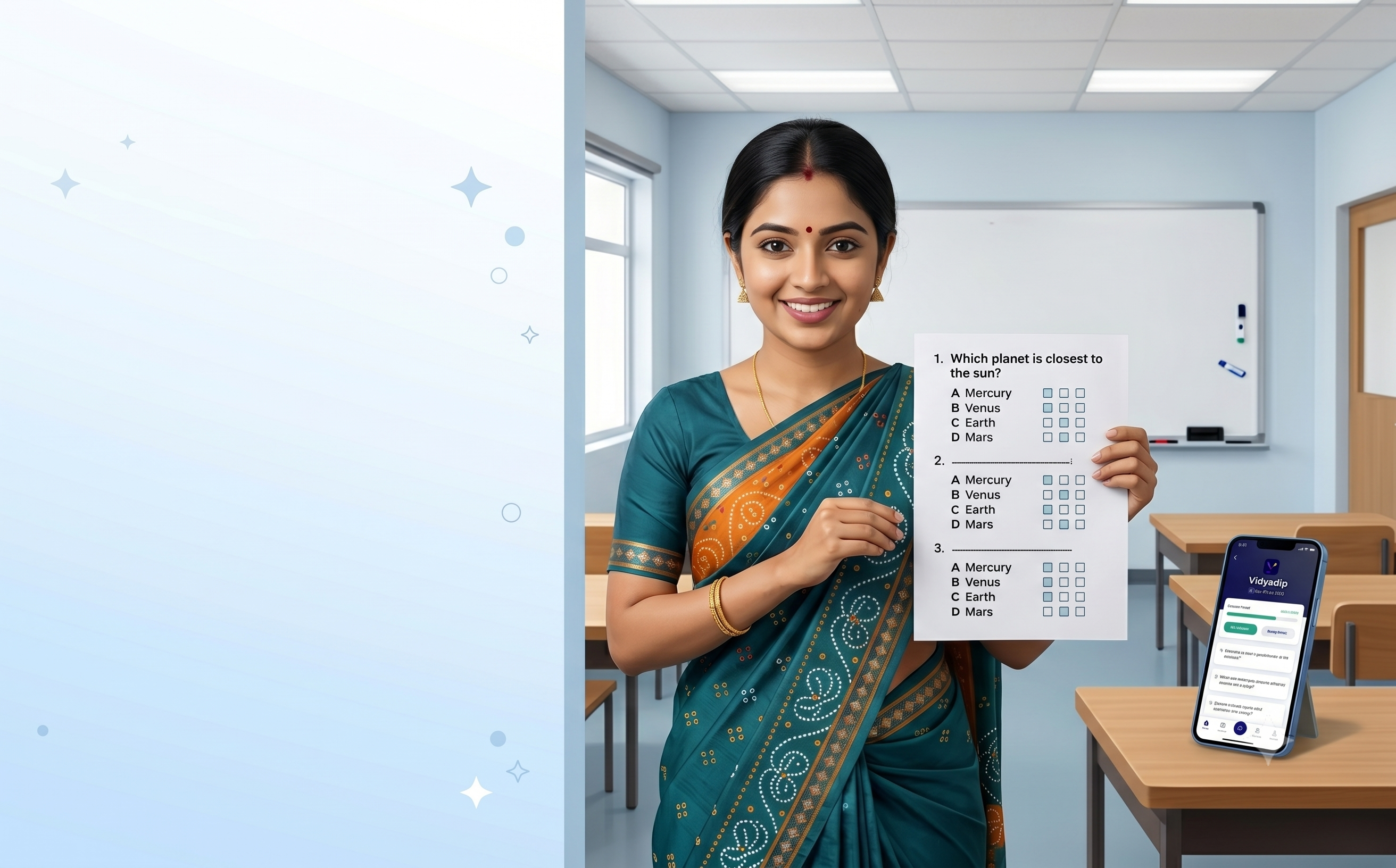
Vidyadip started as an app for generating question papers. Today it does something more: it brings a full topic-wise quiz experience directly to the website — no download, no login, no waiting. Pick your topic, start a timed test, and get a scorecard with per-question feedback the moment you submit.
Here is what is new, how it works, and why it matters for students preparing for board exams.
What is the topic-wise quiz feature?
On every topic page on vidyadip.com — for example, the Probability chapter in GSEB Std 10 Maths — there is now a "Test yourself on this topic" card. Click Start Quiz, choose how many questions you want (10, 20, 30 or all), and you are into a full-screen timed test.
Questions are pulled at random from the same question bank used to generate school papers — so the quality and syllabus alignment are the same. MCQs are auto-graded the moment you submit. The entire experience runs in the browser, so there is nothing to install.
How to start a topic-wise quiz in 30 seconds
- Go to vidyadip.com and scroll to the "Start a Topic Test" section on the homepage, or browse to any topic page directly.
- Use the dropdown — Board → Medium → Standard → Subject → Chapter → Topic — and click Start Topic Test.
- Choose how many questions: 10, 20, 30 or all available for that topic.
- The timed test starts immediately. Answer each question and click Next.
- Submit when done. Your scorecard appears instantly.
What the quiz looks like while you are in it
The quiz opens full-screen so there are no distractions. At the top is a countdown timer that turns red in the last 30 seconds — keeping you aware of pace without being stressful throughout. A progress bar at the top fills up as you answer questions, and each answered question dot turns green in the navigator so you can see at a glance what is left.
For MCQ questions, selecting an option automatically moves you to the next question — no need to click Next each time. This creates a rhythm that keeps you moving rather than pausing between every question.
The fastest way to find your weak spots in a topic is to take a timed quiz on it. The scorecard tells you exactly where you need to spend more time.
The scorecard: more than just a percentage
When you submit, the result screen shows your score as a percentage ring, a grade label (Excellent, Good, Keep going, Keep practising), and a four-column grid: Correct, Wrong, Skipped, and Time taken. Below that, a colour-coded progress bar breaks the result into green (correct), red (wrong) and grey (skipped).
The most useful part is the per-question review. Every question is listed with a coloured left border — green for correct, red for wrong, grey for skipped. For wrong MCQ answers, you see both your answer and the correct answer side by side. This is the part that makes review actionable: you are not just told you got 7 out of 10, you are shown exactly which questions you missed and what the right answer was.
- Green border: you got it right
- Red border: wrong — shows your pick and the correct answer
- Grey border: you skipped this question
- "View full question →" link for every item, taking you to the detailed solution
Your best score is saved automatically
Every time you complete a quiz on a topic, your best percentage is stored in your browser. The next time you open that topic, the quiz card shows your previous best — so you always know what score you are trying to beat. It is a small detail, but it is what turns a one-off quiz into a practice habit.
Works for every board and topic on the site
The quiz feature works across all 16+ boards supported on Vidyadip — CBSE, ICSE, GSEB, Maharashtra, RBSE, BSEB and more — in English, Hindi and Gujarati medium, for Class 1 to 12. If the topic has questions in the question bank, it has a quiz. That covers tens of thousands of topics across every subject and class.
Who this is for
- Students revising a single chapter before a test — pick the topic, take 10 questions, identify gaps.
- Students doing topic-by-topic self-assessment across a subject — systematic, fast, no paper needed.
- Teachers who want to quickly check how well a topic is understood — send the link, let students self-test.
- Parents who want to help their child practise without becoming a subject expert themselves.
The quiz is free, requires no login and works on any device. Go to vidyadip.com, find your topic, and take the test — your scorecard will be waiting in under a minute.